Website Maintenance 2025: Guide with 8+ Essential Tasks to Protect and Optimize Your Site
Learn the key maintenance tasks your site needs in 2025 to stay secure, SEO-friendly, and ready for growth.
Do you remember when you last maintained your website?
If you have to think hard, then too much time has probably passed. In 2025, caring for your website is as important as any other key task in your business. I’ll tell you straight: It can be the difference between a website that works and generates sales; or one that only brings headaches, a bad image, and fewer customers.
Why Website Maintenance Is Still Crucial This Year
Look, your site isn’t a picture hanging on the wall. It’s more like a living organism: it needs consistent care. Some things should be checked daily, others weekly, or at least once a month; it depends on the site’s size and what it does. And if you sell online, use contact forms, or rely on people finding you through Google; this applies even more to you.
Updating plugins, checking metrics, verifying that forms work, and protecting yourself from threats are not optional tasks. They are essential to:
- Protect your business and customer data
- Improve performance, speed, and user experience
- Maintain (or improve) your search engine rankings
- Prevent crashes, errors, and lost sales opportunities
At the end of the day, if you neglect your site, you could lose much more than visits. You lose credibility, customers, and money.
Key Website Maintenance Tasks You Should Keep Doing in 2025
1. Use automatic backups and verify your domain
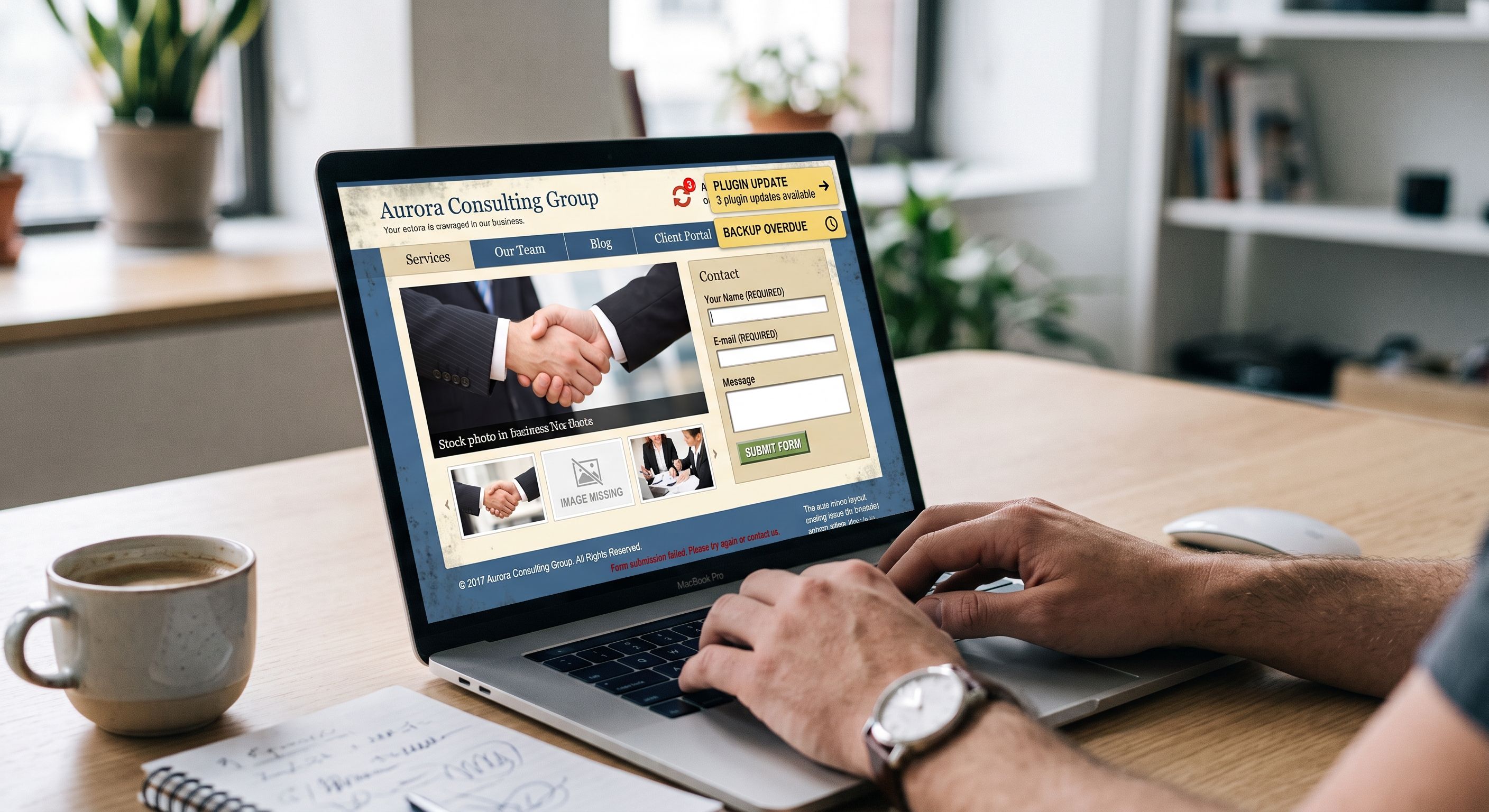
Backups remain the foundation of everything. When something goes wrong, a server crash, hack, or an accidental error; a good recent backup can save your site. Use tools to schedule automatic backups daily or weekly, and if possible, store a copy off your main server.
Also, check that your domain is active and renewal is set to automatic. If you let it expire, someone else could grab it and you’d lose your entire online identity.
2. Keep security up to date and scan for malware
In 2025, cyberattacks are still an everyday threat. Security is non‑negotiable. Keep your plugins, themes, and WordPress updated at all times. Use tools like Wordfence, Sucuri, or Jetpack to scan your site and detect malware. And don’t let your guard down: if you notice strange changes, odd redirects, or suspicious messages; act immediately.
3. Improve speed, check links, and secure your forms
- Broken links = lost traffic + SEO penalty. Use tools like Screaming Frog or Semrush to locate them.
- Broken forms = fewer conversions. Make sure they work properly, and add a CAPTCHA to block spam and bots.
- Speed: reduce image sizes, use a caching plugin, and consider a CDN (Content Delivery Network). Fast loading is key to retaining visitors and improving conversions.
Also note: since 2024, Google gives great importance to INP (Interaction to Next Paint); the new standard in Core Web Vitals.
4. Analyze your metrics and walk through the checkout as a customer
Tools like Google Analytics 4 and Search Console remain essential. Review:
- Where your traffic comes from
- Which pages convert
- Where users abandon your site
Test the entire buying process like a customer would: from cart to confirmation. A single failure can cost you a sale without you even realizing it.
5. Clean up plugins, update themes, and keep legal & compliance elements in order
- Remove unused plugins
- Change passwords regularly
- Review footer, headers, privacy policy, and cookies notice
- Keep your database optimized and remove outdated content
Is Your Website Ready for AI in 2026?
AI isn’t mandatory; but more and more sites are using it to improve performance, craft better content, and deliver smoother user experience. Tools like AI Engine or assistants like Jetpack AI help you generate descriptions, answer FAQs, or find ways to improve your website’s security.
Now you can also automatically analyze metrics, detect duplicate content, or speed up customer service with intelligent chatbots. All of this adds value, but it doesn’t replace the human touch your site still needs.
Not Everything Can Be Automated: What Makes Us Different
Although many website maintenance tasks can be automated today, not everything should be left to systems. There will always be times when you need to:
- Integrate a new feature
- Fix a specific issue
- Have technical support readily available
- Implement solutions like AI without breaking anything
For us, website maintenance isn’t just about code. It’s about having a digital ally who understands your project, knows your goals, and is there when you need it. Someone you can count on as your trusted “WordPress buddy.”
That’s what we do: accompany you every step of the way so you never have to face problems alone with your website.
Top 5 + Extra “Horror Scenarios” of Website Maintenance
1. External redirection hack
Your users are automatically sent to gambling, adult, or scam sites when they visit your page. This destroys trust, wrecks your SEO, and may trigger browser or antivirus blocks.
2. Hidden internal redirects
Some links inside your site lead to unauthorized pages without you knowing. These alterations are tough to detect without regular scans.
3. Your site turned into a malicious SEO link farm
Hackers inject hundreds of links to low‑quality or illegal sites, harming your ranking and turning your web domain into a spam hub.
4. Cloning of your site
Your web is copied under another domain visually identical to yours. Attackers use it to steal data from unsuspecting users pretending to be you.
5. Expired domain — not renewed
Losing your domain equals losing your digital presence. Even worse, someone else could buy it and use it for auctions, scams, or traffic redirection.
6. Ransomware or silent malware injection
Your site gets infected with code that locks access or steals data. It may hold your site “hostage” until ransom is paid — or even worse: remain undetected for weeks.
7. DDoS or server‑saturation attacks
Your web receives massive malicious traffic (automated bots), leaving it down or extremely slow. This impacts sales, bookings, active campaigns, and damages your reputation.
8. Exploitation of outdated plugins or CMS
Just one outdated plugin is enough to give an attacker access. Many security breaches stem from neglected software in WordPress sites.
9. SQL Injection or XSS (Cross-Site Scripting)
Poorly protected forms let attackers run malicious code: steal databases, create hidden access, or manipulate content in pages visited by your users.
10. Your site used for phishing campaigns or malware distribution
Without you noticing, attackers could host fake login pages, malicious downloads, or fake forms under your domain. They send these out to your contacts, claiming to be you. Your domain might get blacklisted or face legal consequences.
What’s Next?
Website maintenance isn’t optional. In 2025, and even more in 2026; it’s one of the keys to keeping your business active, competitive, and secure.
Whether you tackle the work yourself, rely on automated tools, or have a skilled team handle it for you, the important thing is not to leave it aside.
Your website is more than a storefront: it’s a living part of your brand. Treat it like it deserves.